FREE WHITE PAPER · 14 PAGES
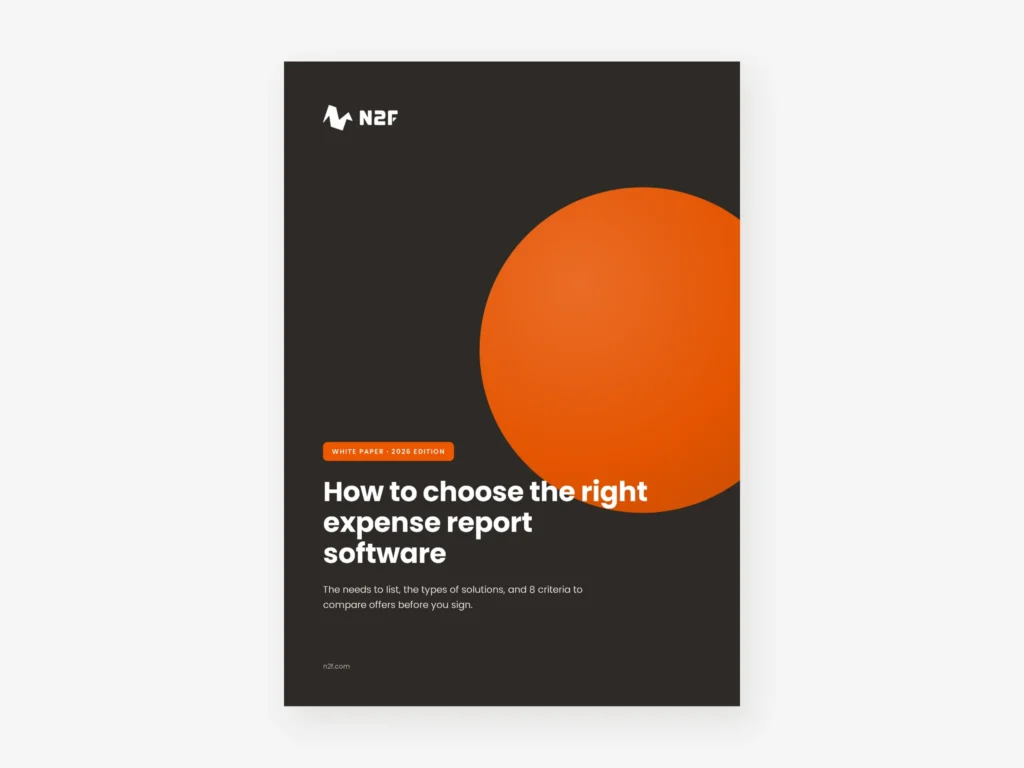
How to choose the right expense report software: 8 criteria to compare
Paper receipts and spreadsheets cost your teams hours every month, and the software market is crowded. This white paper helps you list your needs, understand the main types of tools and compare offers on criteria you can check.
- 8 questions to ask before the first demo
- The 4 types of solutions, with what to watch for in each
- 8 criteria and a scoring grid to compare vendors
8 criteria · 4 types of solutions · 1 scoring grid
What’s inside
What you will find in this white paper
Seven short chapters, written for the people who will run the selection and live with the tool afterwards.
- Why move to paperless expense reports. What going paperless involves, and what makes a digital receipt valid for the tax authorities.
- What you gain, role by role. Employees, managers, accounting and finance management: what changes for each.
- The 4 types of solutions. Installed software, SaaS, mobile apps and payment cards, with the limits of each.
- Start with your needs. 8 questions on limits, approvals, cards, archiving, advances, travel requests, reimbursement and mileage.
- 8 criteria to compare solutions. From the mobile app and receipt reading to compliance, accounting integration and support, each with a question to ask the vendor.
- A scoring grid. Weight each criterion, score up to three solutions and compare totals.
What this white paper helps you do
A practical read for finance directors, chief accountants, HR and office managers replacing paper or spreadsheet-based expense reports.
Write a clear brief before the demos
The 8 questions give every vendor the same starting point and rule out unsuitable tools early.
Know what to test
Each criterion comes with a question to ask or a test to run, such as bringing 10 real receipts to the demo.
Check compliance and security
What to ask about archiving, data hosting and certifications before you stop keeping paper receipts.
Decide with a shared method
The scoring grid keeps the selection team aligned and makes the final choice easier to explain.
- 8 questions to define your needs before comparing offers
- 4 families of solutions, from installed software to payment cards
- 3 solutions you can score side by side in the grid
Download the free white paper
Get the PDF by email right after you submit the form.
- 14 pages, 2026 edition
- 8 criteria with questions to ask vendors
- A scoring grid ready to print
Why read this guide before choosing expense report software
Most expense report tools look alike in a demo. The differences show later: how much employees still type by hand, how the tool handles your approval rules and countries, whether archiving lets you discard paper, and how cleanly entries reach your accounting software. This white paper turns those questions into a method you can apply to any vendor.
Paperless receipts and data protection
Going paperless means storing receipts in a way the tax authorities accept and protecting the personal data they contain. For companies operating in Europe, the European Commission summarises the EU data protection rules that apply to this data.
How N2F answers the 8 criteria
With N2F Expense reports, employees create, submit and track their expense reports from the mobile app, and managers approve them from their phone. Approval workflows can be customised by department, project or analytical dimension, and accounting exports are generated with your analytical dimensions. Receipts are kept with legally compliant archiving that meets the NF Z42-013 standard.
Other N2F resources
To see the product before you read, watch the N2F Expense management video. If you also want to control card spending, see the N2F Corporate cards video. All our resources are free.
Get the white paperLearn more
N2F resources

See N2F Expense reports in action: receipt capture with OCR, approval, VAT recovery and export to your accounting software.
Watch the video

See N2F Corporate cards in action: physical and virtual cards, limits and rules per card, and every payment matched to its receipt.
Watch the video

See N2F Budget in action: budgets by department, cost center or project, updated with every expense, purchase request and supplier invoice.
Watch the video