
Control your budgets in real time
Track every budget against the spend that uses it: expense reports, accounts payable, purchase requests and travel requests. Budgets update automatically each time one is submitted, so you see overruns coming.
- Real-time tracking of committed, spent, and remaining budget
- Automatic alerts when there is a risk of overspending
- Budgets by department, cost center, project, activity code or analytical dimension
- One budget view for expense reports and accounts payable



Analysis
Plan, track and anticipate your spending
Centralized spending
Control, track, and anticipate your spending in the same place where it is entered and approved: expense reports, accounts payable, travel requests and purchase requests.
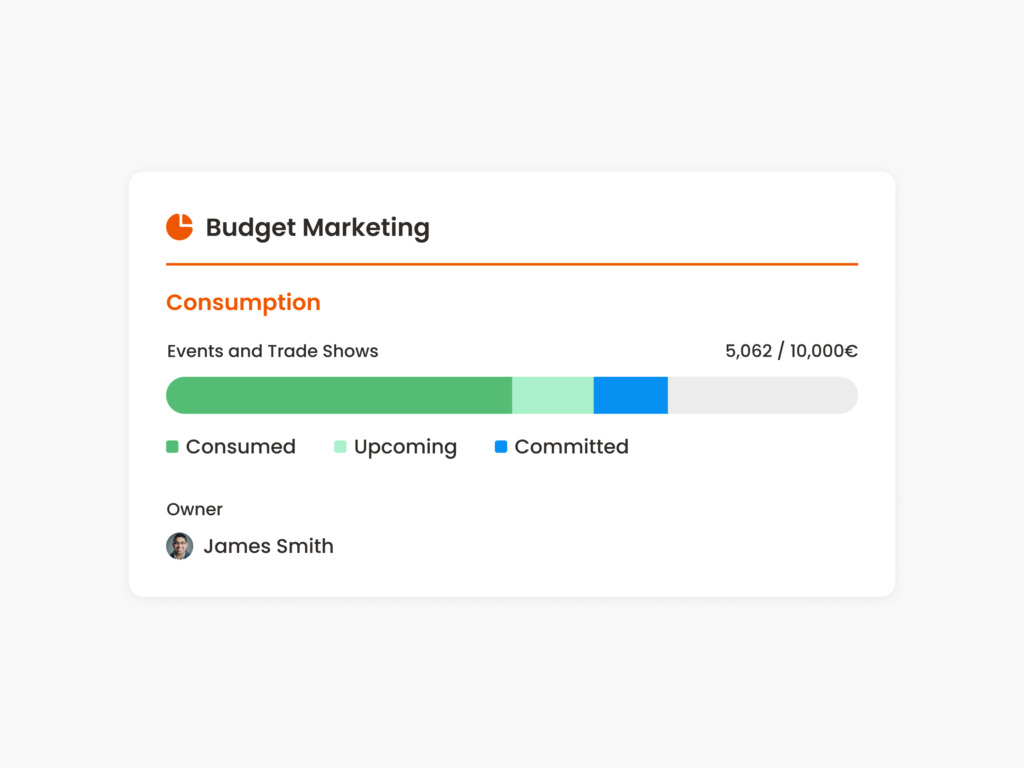
Reliable, real-time budget control
A clear view of committed, spent and remaining budget, so you can act on an overrun before it hits cash flow or the closing.
Better collaboration between Finance and business teams
Each department or team follows its own budgets while Finance keeps the full picture. Alerts flag an overrun early, so decisions are made before the money is spent.
Creation
Budget setup and creation
Budget creation
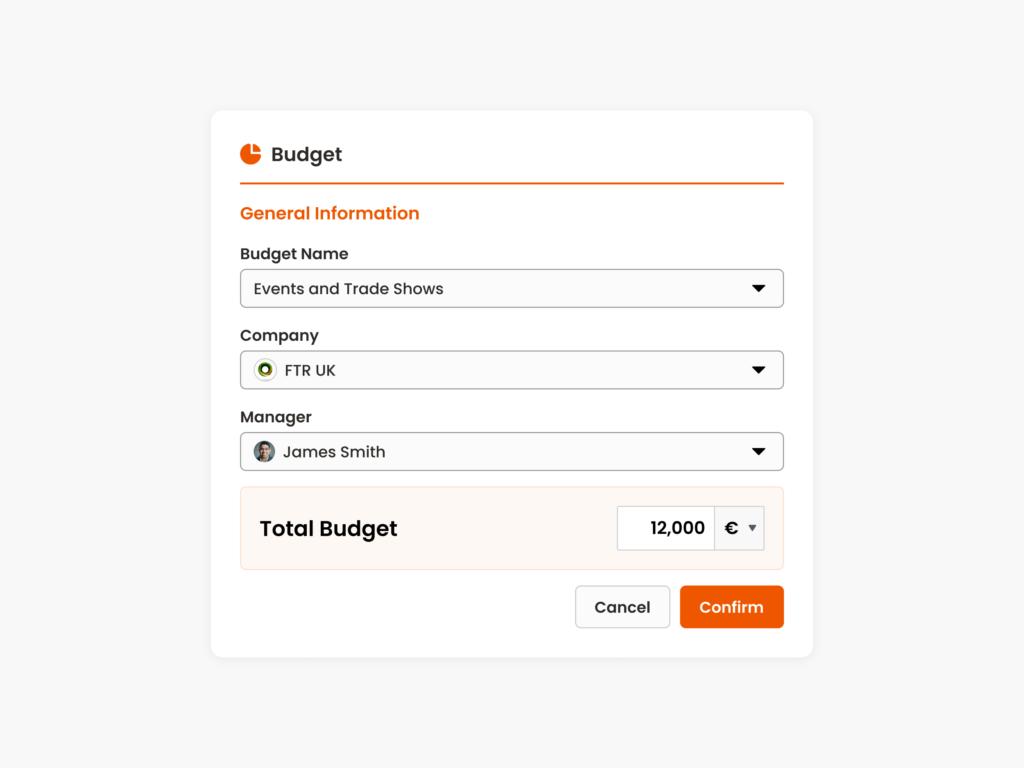
Set the period, amount, owners and a monthly or quarterly allocation. Build budgets on the axes your company runs on: department, cost center, project, activity code, manager or expense category.
Automatic allocation of expenses
Each travel request, expense report, purchase request or accounts payable invoice is assigned to its budget automatically, as committed, spent or pending approval.
Alerts and budget management
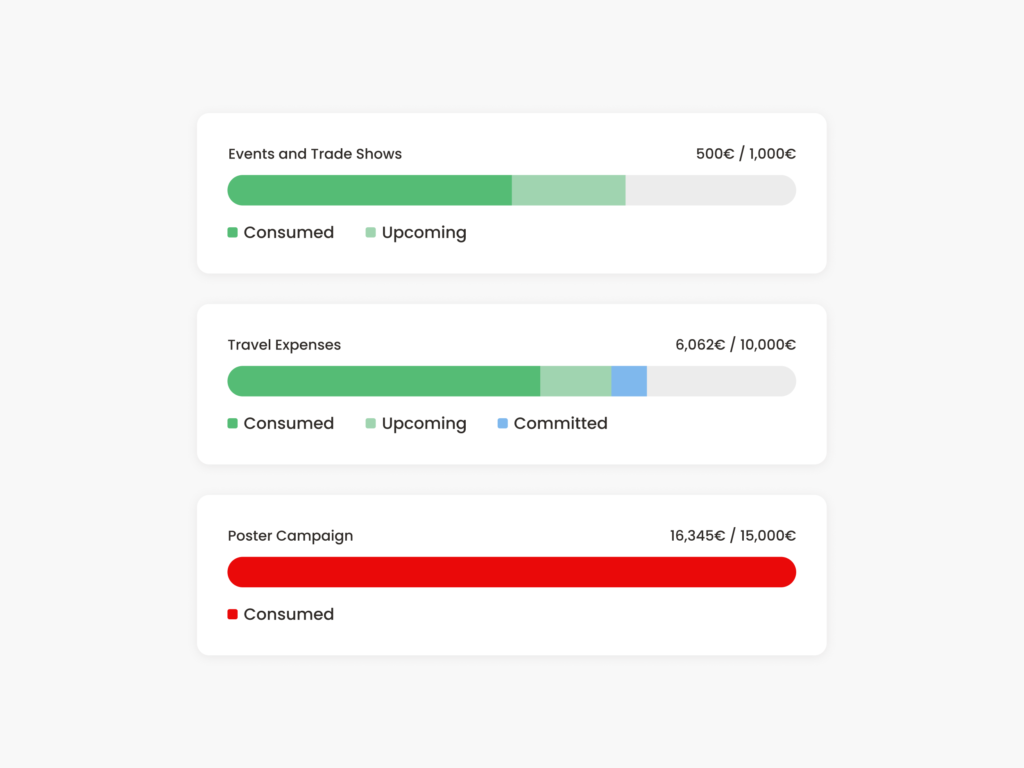
Set up alerts for budget overruns, threshold breaches, or forecast limits. Move an expense to another budget, close budgets, and import or export budget lines to sync with Excel, ERP, or accounting tools.
Control
Reliable budget data, from approval to audit
Faster decisions
Budget information is available at the time of approval, which means less friction and faster decisions.
Data you can audit
Every expense is allocated to the right budget, so forecasts, management control and audits run on the same figures.
Budget consolidation and visibility
Split one expense across several budgets and consolidate budgets across different dimensions.
Invoices checked against purchase orders
In accounts payable, invoices are matched with approved purchase orders. You get an early alert if spending goes over, and the invoice picks up the analytics of the purchase request.
Everything you need to simplify business spend management
Expense report
Simple to use every day, with automatic alerts on duplicates and tax anomalies
- Smart Scan in 3 seconds
- Automated error checks
- Accounting integration
Corporate cards
Card transactions matched automatically with the related expenses
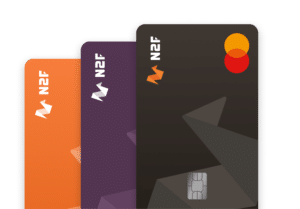
- Custom settings
- Automated bank reconciliation
- Anti-fraud security
Accounts Payable
Centralize invoices and match them with approved purchase orders
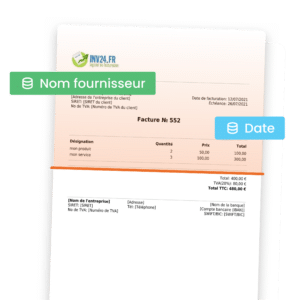
- Automatic capture
- Purchase requests
- Approval workflow
FAQ
Frequently Asked Questions
Which spending can be tracked against a budget in N2F?
When is a budget updated?
How can budgets be structured?
How does the budget module work with purchase orders?
Book your personalized demo
See your own budgets in N2F. Our consultants set up the platform with you, and customers rated this support 4.7/5 in 2025.