
Anticipate budget consumption before it overruns
Follow each budget by department, project or cost centre, updated with every request and invoice. See what is committed before it is spent.
Animation. Before: A budget bar fills silently. On the 31st it overflows past 100% and turns red. Label: overrun found at closing. With N2F: The same bar splits into two layers: committed (hatched) and spent (solid). Each event adds a segment: travel request, purchase request, invoice. At 80% committed an alert pin drops, before anything is paid.
Illustrative amounts and names.How N2F gives budgets a forecast
The same problem shows up in each flow. N2F answers it in one platform.
Expense reports
BeforeOverruns found at closing
Committed amounts known in advance
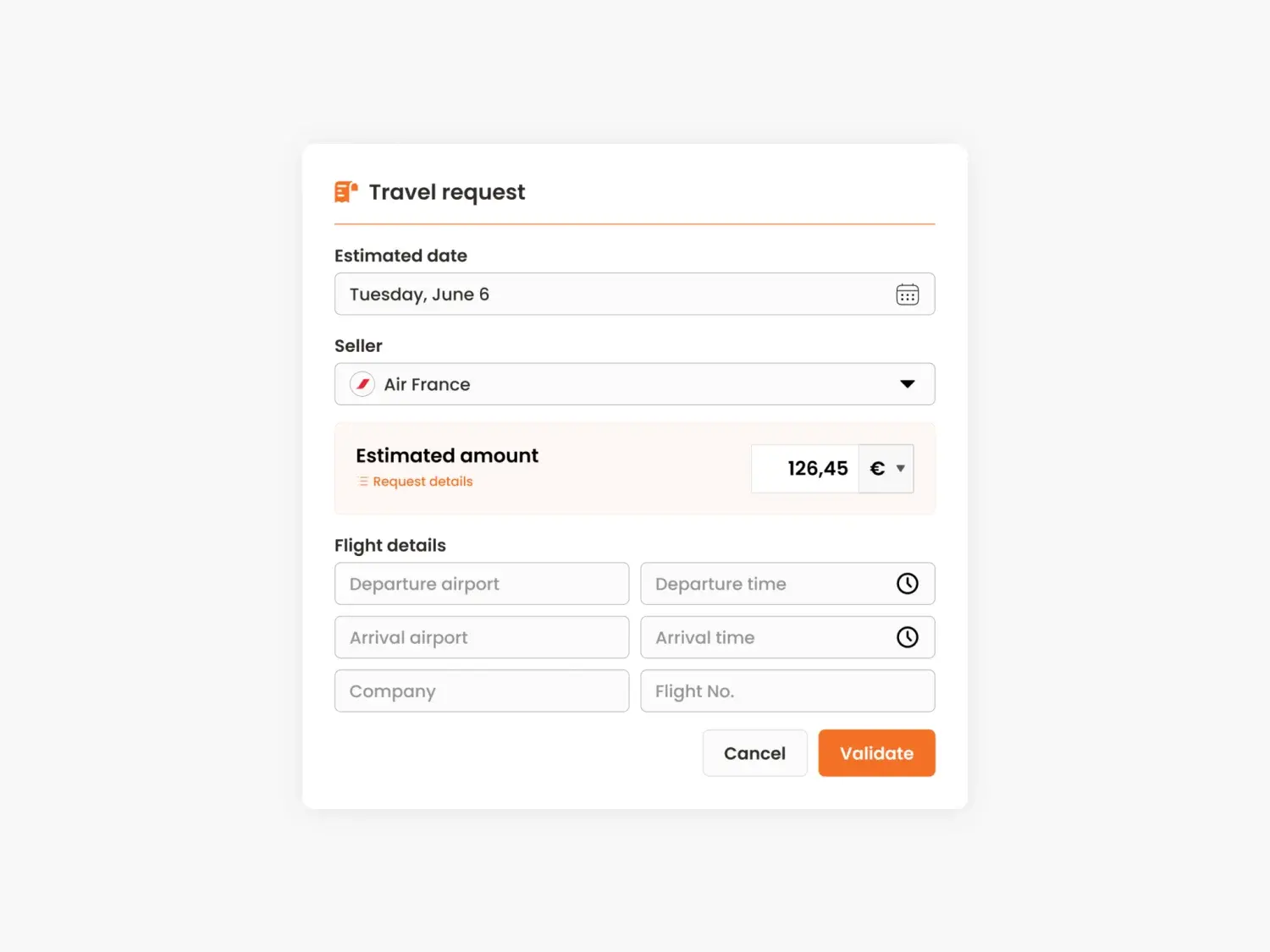
- Travel requests tracked against budget
- Expense reports update the budget
- Budgets by department or project
How it works
The overrun shows up at closing. Travel and expense budgets are checked after the fact, once the month is closed.
- Budgets are tracked and controlled whether spending comes from expense reports or invoices.
- Travel requests come with budget tracking, so planned and committed amounts are known in advance.
Corporate cards
BeforeCard spend missing from the budget
Card spend counted where it belongs
- Matched with the related expense
- Counted in the right budget
- Followed by each manager
How it works
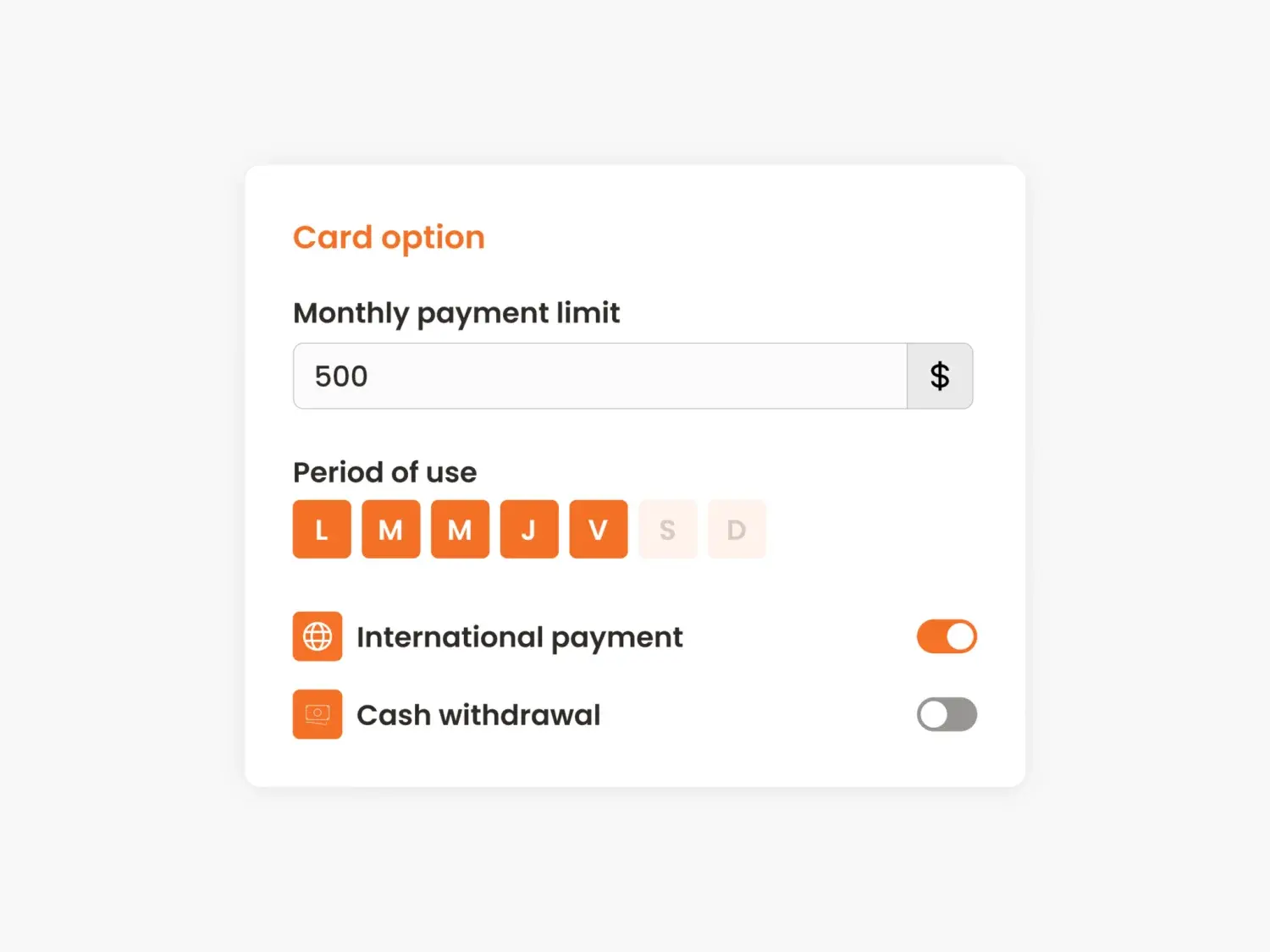
Card spend is invisible in the budget. Managers do not know how much of their budget has already gone through corporate cards.
- Card transactions are matched with expenses and counted in the budget they belong to.
Accounts payable
BeforeInvoices eat an unknown budget
Approved before they are ordered
- From purchase request to order
- Invoice matched with the order
- Early alert on overspending
How it works
Unexpected invoices. Supplier invoices land late in the month and eat a budget nobody knew was committed.
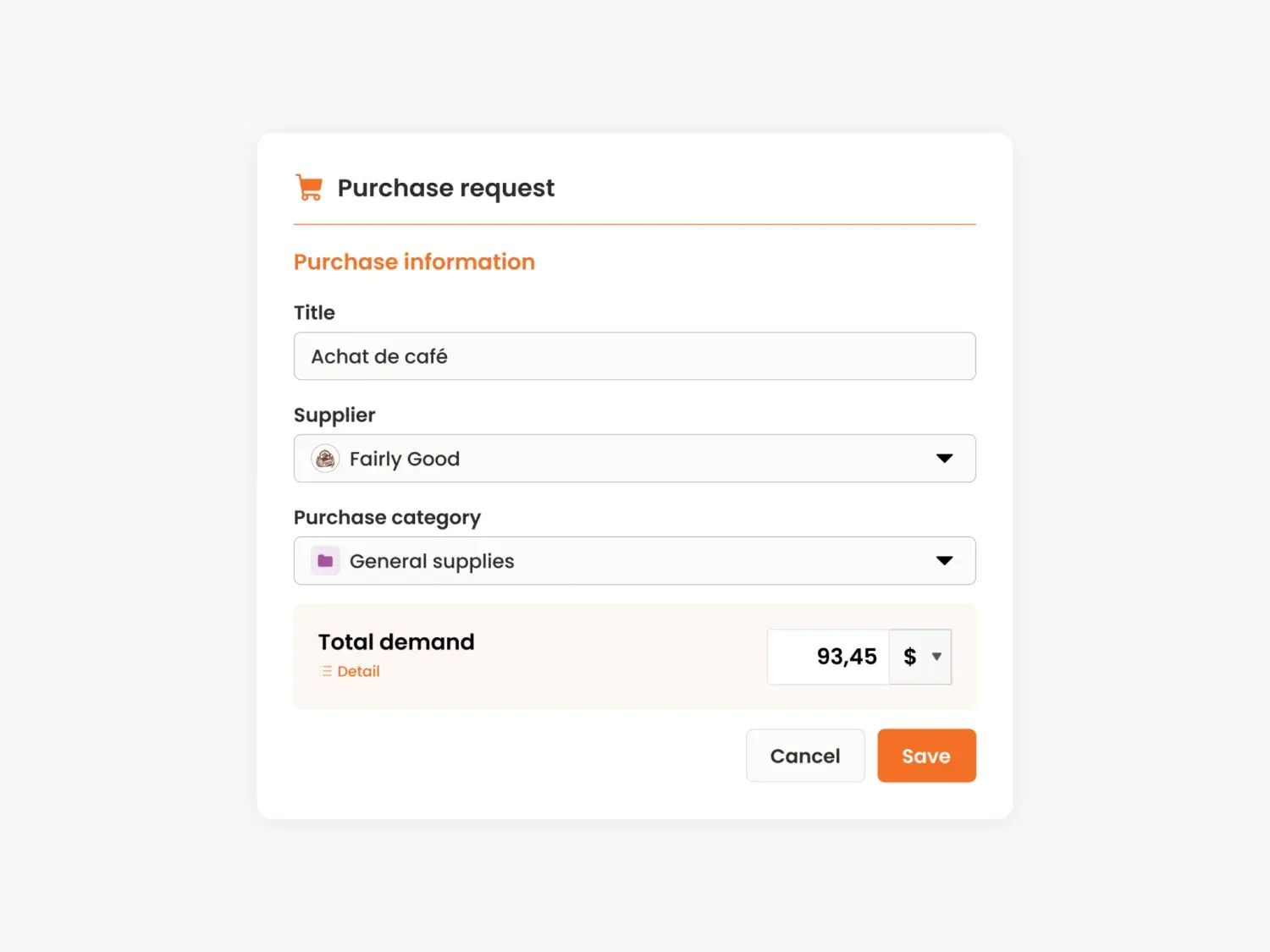
- The purchasing module follows the whole process, from purchase request to order.
- Invoices are matched with approved purchase orders, with an early alert in case of overspending.
What changes, by company size
One budget per team or per project, updated without spreadsheets.
Budgets by department, cost centre and project, with each manager following their own.
Budgets follow your structure and activities: departments, cost centres, projects, activity codes and analytical dimensions.
Source: N2F key figures, 2026.
Is this you?
The questions our team asks finance leaders in a first call. Tap the ones that sound like your team.
0 of 3. Each yes is a manual step N2F can take off your team.
In short: how N2F helps anticipate budget consumption
A budget overrun found at month end is a fact, not a decision. N2F includes a budget module that follows each budget by department, cost centre, project or activity code, and updates it with every travel request, expense report, purchase request and supplier invoice. Managers see what is committed before it is spent.
- Committed, not only paidBudgets update at every travel request, expense report, purchase request and supplier invoice, so managers follow committed amounts.
- Your structureBudgets follow departments, cost centres, projects, activity codes and analytical dimensions.
- 5 to 6 monthsN2F customers reach a return on investment in 5 to 6 months.