
Gain real-time visibility on company spending
Card payments are tracked as they happen and budgets update with every request and invoice. Managers and finance read the same figures.
Animation. Before: A month calendar where every day is blurred until day 30. A question mark sits on the total. On day 30 the total appears, too late, in red. With N2F: The blur lifts, transactions tick in one by one: card 42.50 EUR, invoice 1,280 EUR, expense 18.90 EUR. Department bars grow live as each line lands. The total updates with each line.
Illustrative amounts and names.How N2F shows spending as it happens
The same problem shows up in each flow. N2F answers it in one platform.
Expense reports
BeforeSpending appears at month end
Budgets update with every report
- Updated at each travel request
- As many analytical dimensions as needed
- Customer, project and expense linked
How it works
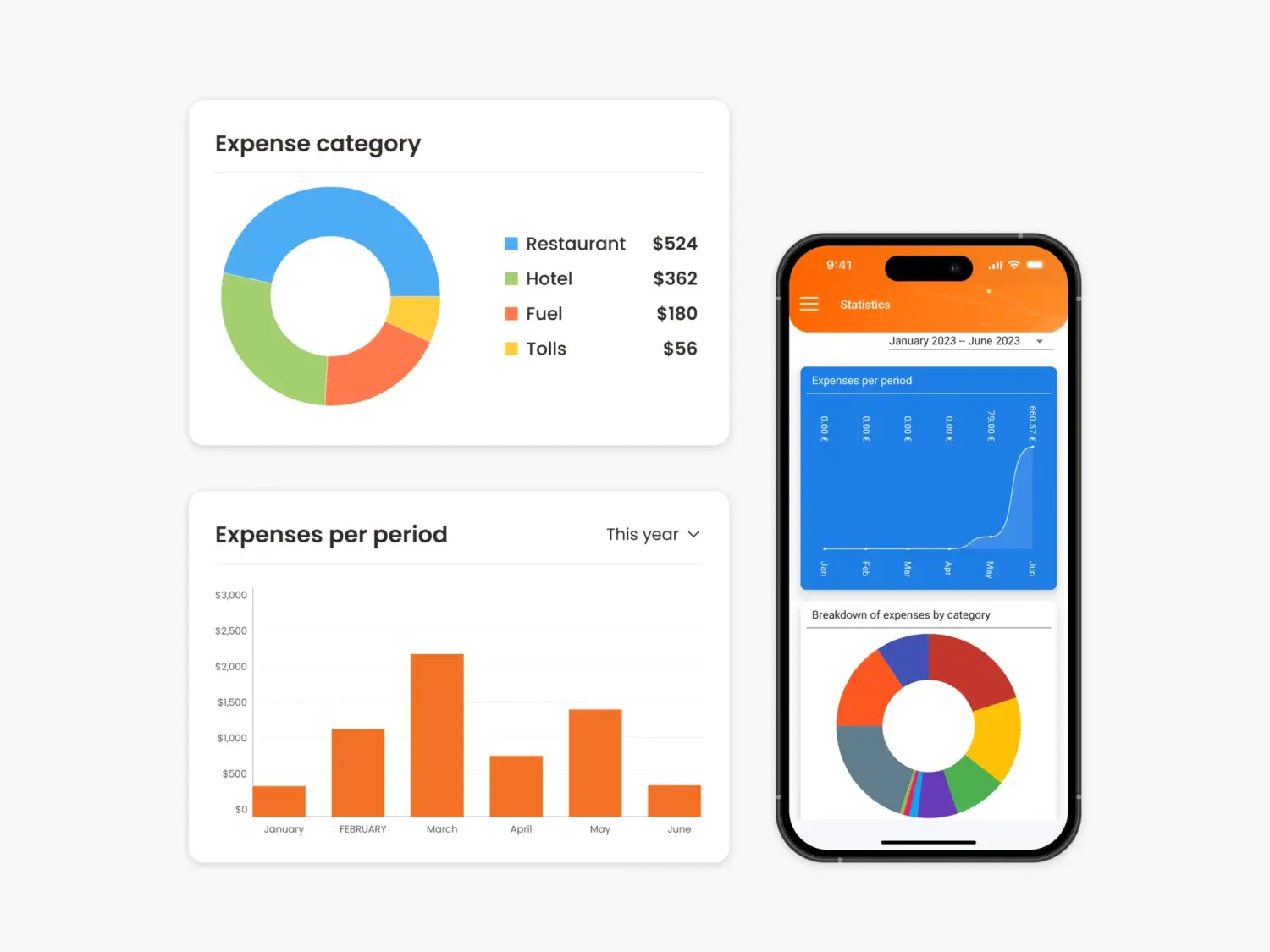
Expenses appear at reimbursement. The consolidated view comes at month end. Until then, nobody knows what the teams have spent.
- Budgets update automatically with each travel request and expense report.
- Create as many analytical dimensions as you need, and link them: a customer, its projects, then the related expenses.
Corporate cards
BeforeCard spend arrives with the statement
Every transaction tracked in N2F
- Seen without waiting for the statement
- Matched with its expense
- Counted in the right budget
How it works
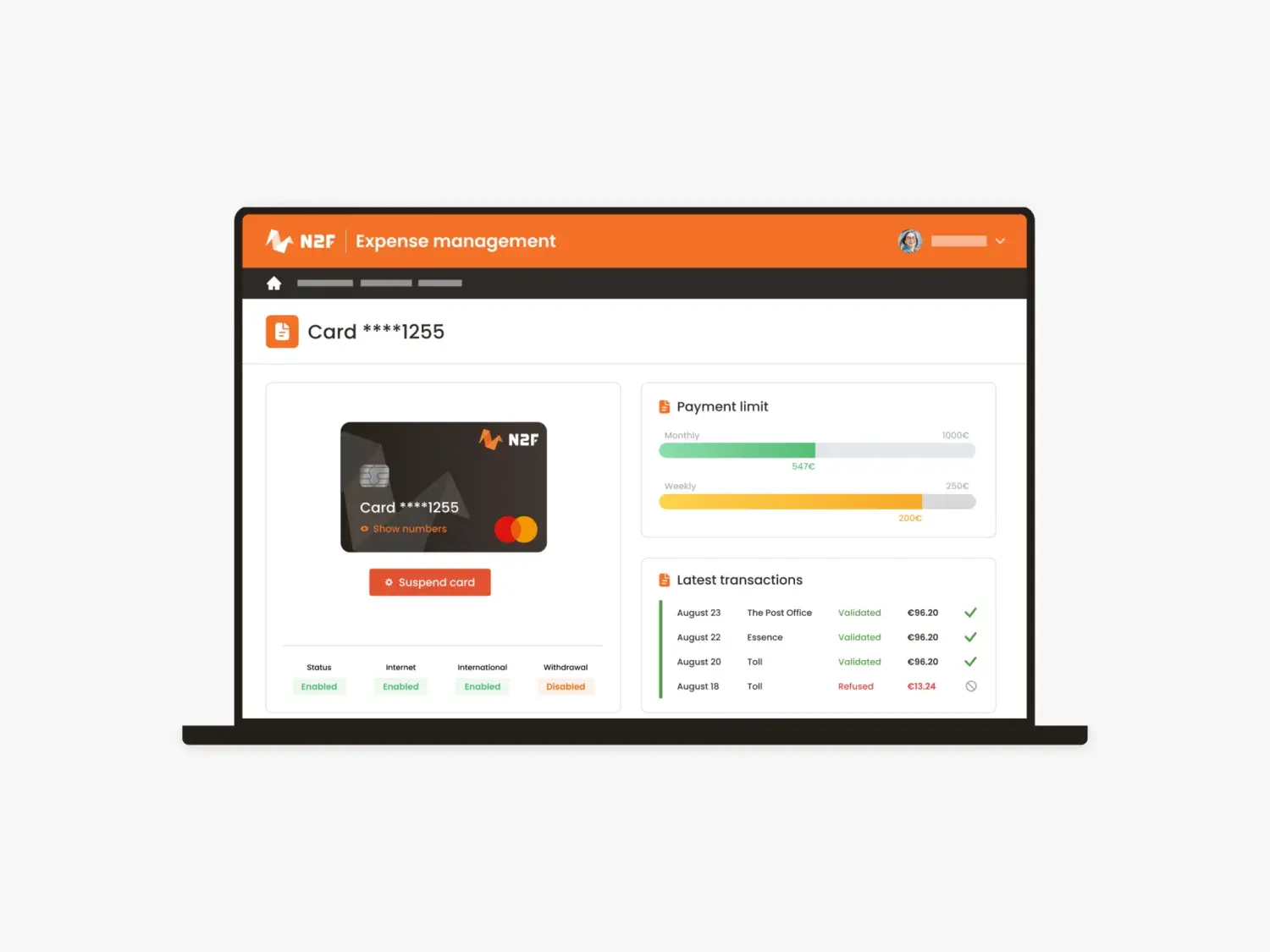
Card spend is a statement, not a feed. Managers do not see their team’s card expenses as they occur, and finance gets the picture with the bank statement.
- Every card transaction is tracked in N2F and matched automatically with its expense.
Accounts payable
BeforeNobody knows which invoices are pending
Committed spend visible before payment
- Budget updated at each purchase request
- Invoices matched with purchase orders
- Early alert on overspending
How it works
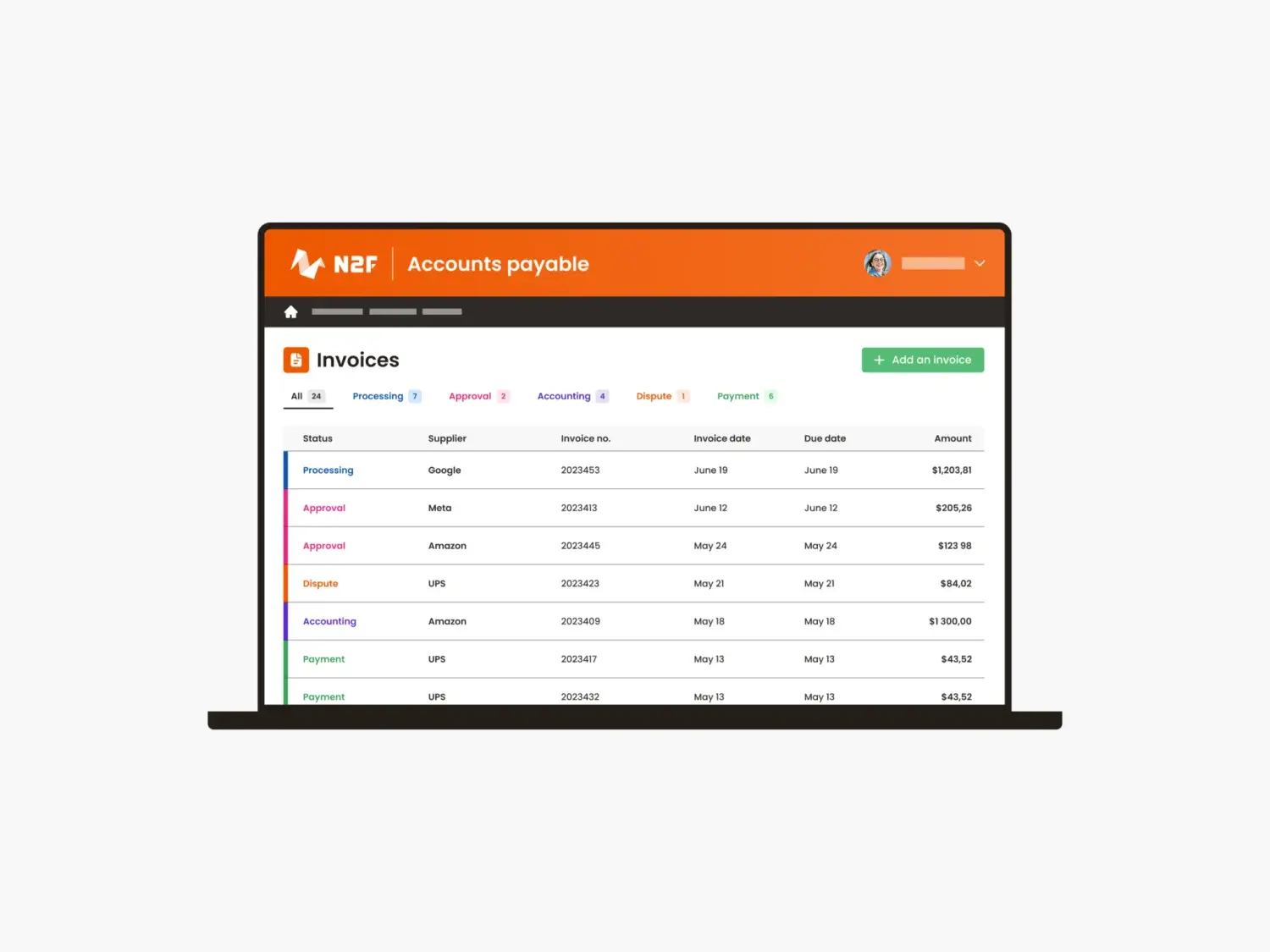
Invoices sit somewhere. Which invoices are waiting for approval or payment? The answer means asking around, and late invoices show up by surprise.
- Budgets update with each purchase request and supplier invoice.
- Invoices are matched with approved purchase orders, with an early alert in case of overspending.
What changes, by company size
The manager and the accountant read the same numbers, without waiting for the accounting close.
Budgets by department, cost centre or project give each manager their own view.
Multi-level analytics consolidate subsidiaries and countries on the same dimensions.
Source: N2F key figures, 2026.
Is this you?
The questions our team asks finance leaders in a first call. Tap the ones that sound like your team.
0 of 3. Each yes is a manual step N2F can take off your team.
In short: how N2F gives real-time visibility on spending
Most companies see their spending once a month, when the books close. With N2F, card transactions are tracked as they happen, and budgets update with each travel request, expense report, purchase request and supplier invoice. Managers and finance see the same figures, by department, project or any analytical dimension you define.
- 4 sources, 1 budgetTravel requests, expense reports, purchase requests and supplier invoices all update the budget automatically.
- Any dimensionSpending can be followed by department, cost centre, project, activity code or any analytical dimension you create.
- 1,000,000 users1,000,000 users in 98 countries use N2F, in 13 app languages.