
The N2F app: expense reports in a few seconds
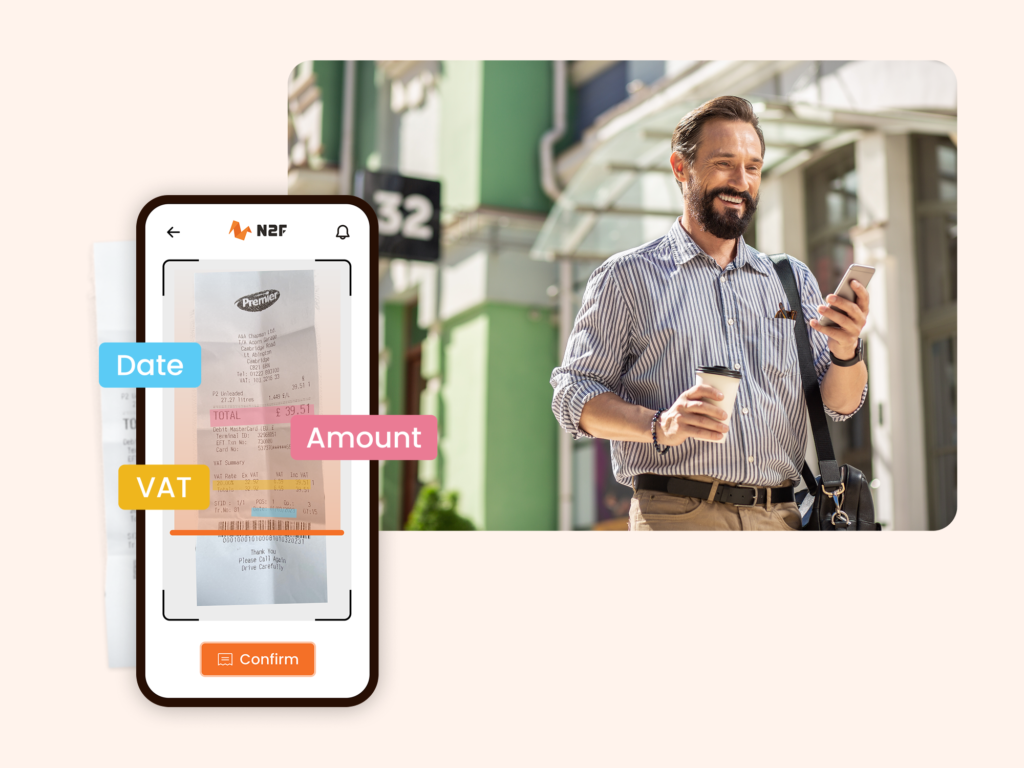
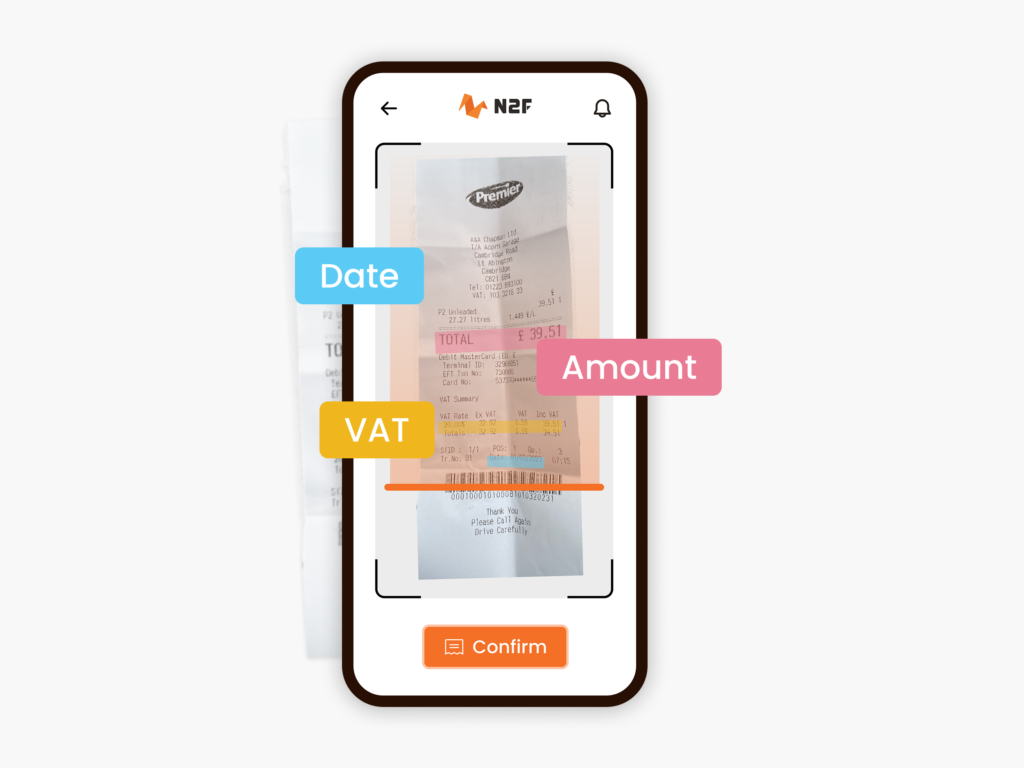
Take a photo of your receipt and the mobile app reads the details for you.
- Fast, simple and always at hand
- Expense reports checked against your policy and sent in one tap
- Faster reimbursements


Mobile app
Save time at every step with the N2F app
From creating the expense report to reimbursement, including manager and accounting approval, the N2F app saves time for everyone involved. The interface is clear, so expense management stays simple and quick.
OCR
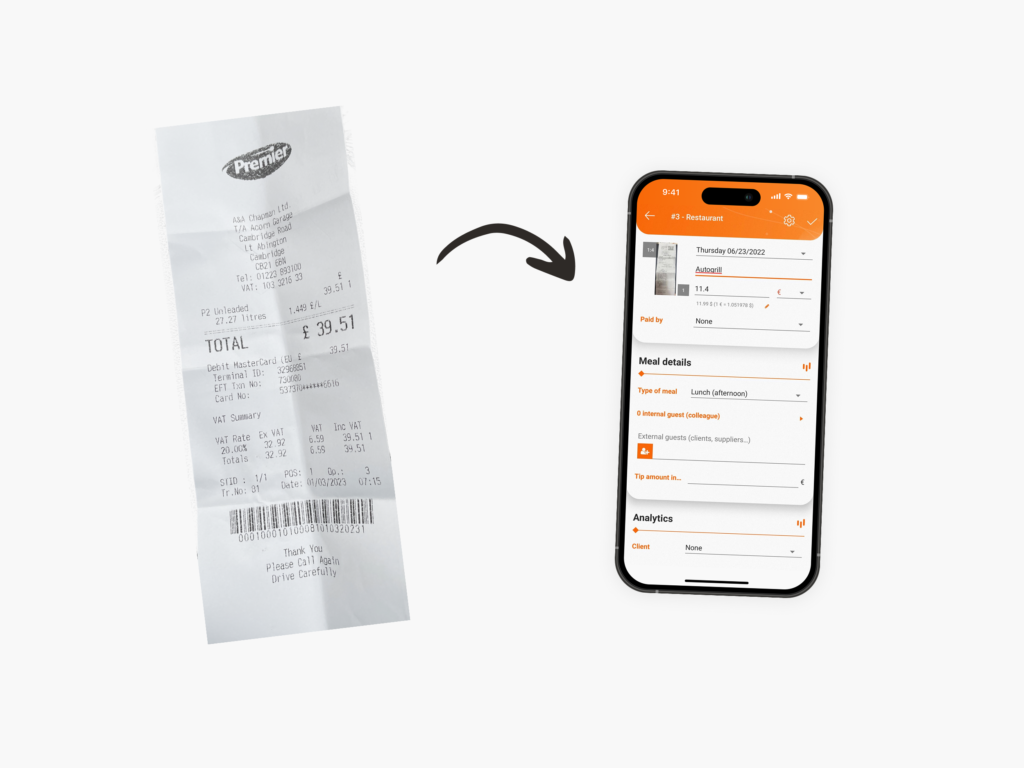
Take a photo of your receipt: OCR (smart scanning) reads the information your expense report needs in a few seconds.
Autofill
The details read from the receipt fill in the expense for you: date, merchant, expense type and VAT rate, including receipts with several rates.
Always in your pocket
Manage everything from your phone
Mileage made simple
With Google Maps built in, mileage allowances are calculated automatically from the route.
Expenses abroad
Traveling abroad? N2F converts your expenses with up-to-date exchange rates, so there is nothing to calculate.
An app in 13 languages
The N2F app is available in 13 languages, so each employee can file expenses in the language they prefer.
Full control
Fewer errors
Expense policy checks
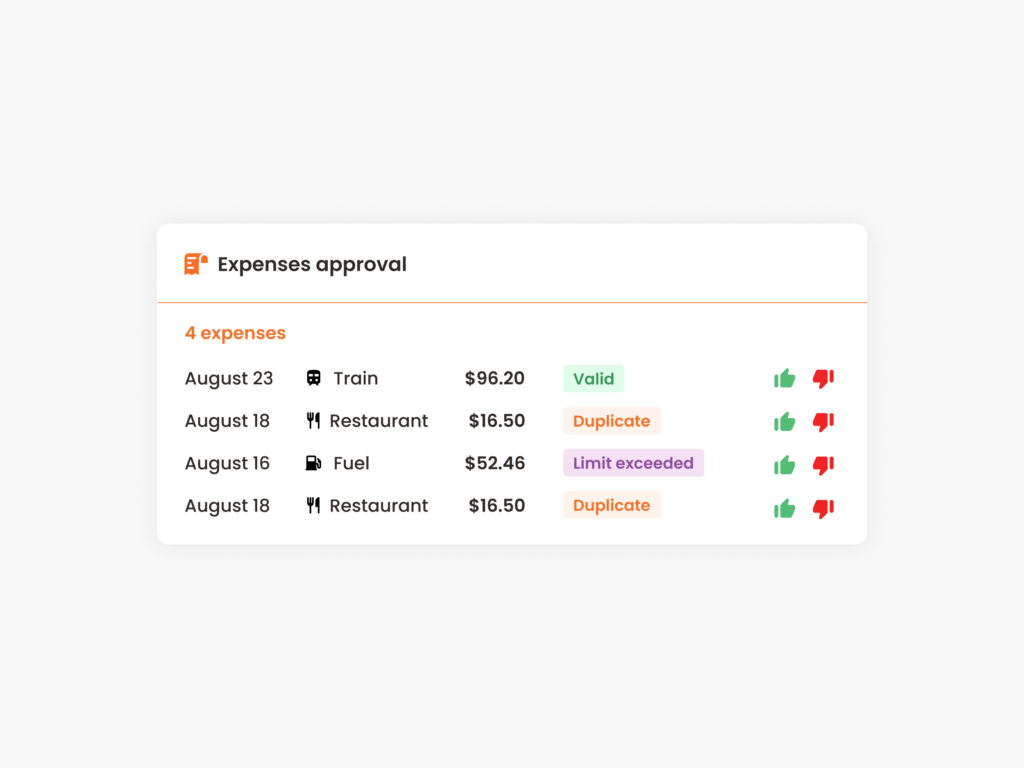
Your company expense policy is available in the app, and you are told right away when an expense goes over a limit.
Share your receipts
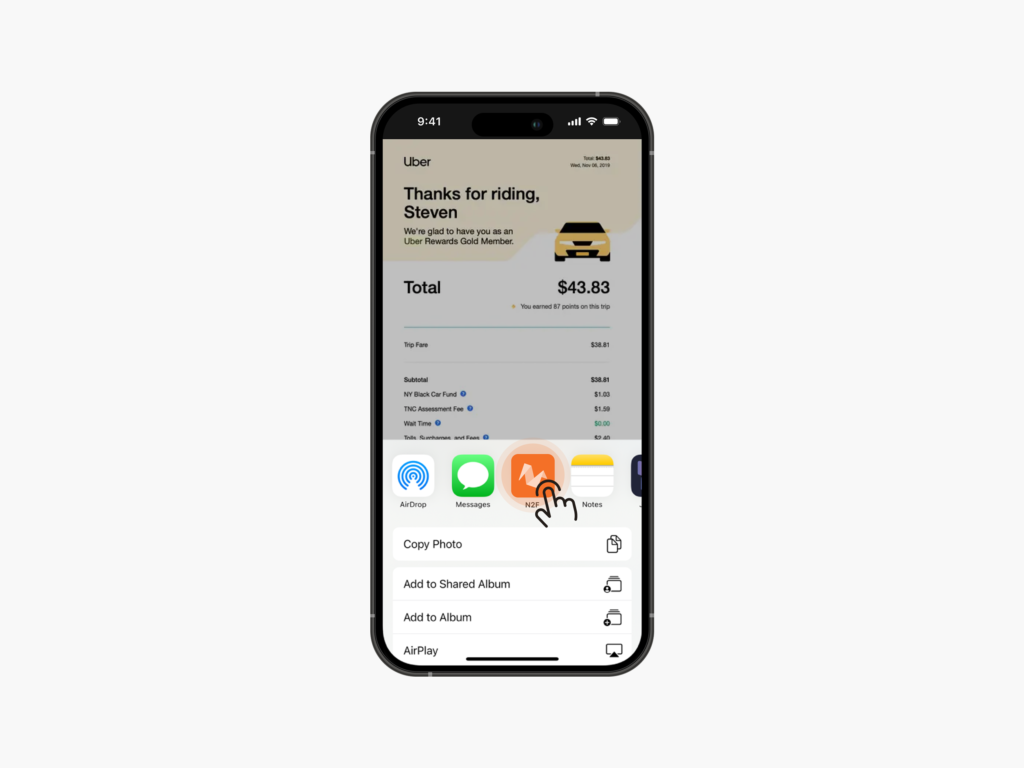
Send receipts to N2F from the apps you use every day, such as Uber or your email inbox, with no double entry.
Approval notifications
Once the expense report is submitted, your manager or approver is notified right away. Reports are reimbursed sooner, with nothing more to do on your side.
Clear overview
File and track your expenses
Spending by category
Open the dashboard to keep an eye on your spending by category and amount.
Real-time status
See where each expense report stands: in progress, approved, reimbursed. A color code shows the step at a glance.
No signal? No problem
At home or abroad, the app works offline. Take a photo of your receipt and carry on: N2F syncs the information as soon as you are back online.
Book a personalized demo
N2F works for organizations of every size. Book a demo to see how expense reports get easier for employees on the road, managers and the accounting team.